
ScreenAwake
A free web page and browser extension that stop your screen from going to sleep, for a set time or until you turn it off.
Project links
Visit productRequest correctionProject Note
A closer look at ScreenAwake
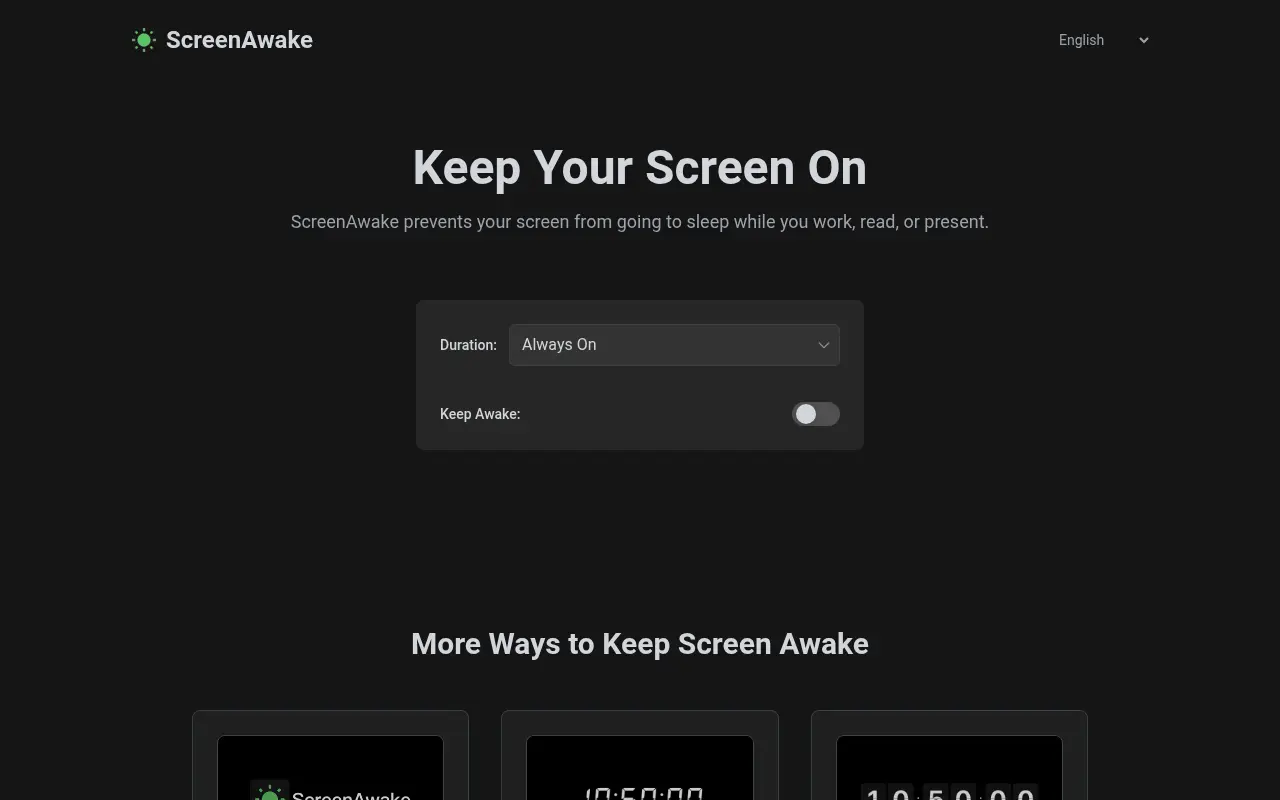
ScreenAwake keeps your screen on from a browser tab. Pick a preset from 10 minutes to two hours, a custom time or always on, flip the switch, and the display stays awake while the tab is open. A browser extension and clock pages do the same job in other ways.
The screen that keeps going dark
You're halfway through a recipe on a tablet with flour on your hands, or presenting slides while you talk, or waiting on a long download, and the screen dims and locks. Changing the system sleep settings works, but then you have to remember to change them back.
ScreenAwake handles it from a browser tab. Pick a preset from 10 minutes to two hours, set a custom time or choose always on, then flip the switch. A countdown shows how long is left, and you turn it off the same way. There's nothing to install and no account.
Ways to keep it on
The main page has one real limit, and the site says so. The tab has to stay open and visible. Switch tabs or minimise the browser and the browser may let the screen sleep again. If that's a problem, the Chrome extension keeps the screen awake even when the browser is in the background, using a hidden page that holds the lock.
There are also two clock pages, a digital one and a classic flip clock, that keep the display on while showing the time, which suits a spare tablet on a desk. For people who would rather change settings permanently, the site has separate guides for Windows and Mac. It comes in nine languages, Korean and Japanese among them.
What to know about privacy
It's free, and the privacy policy, last updated August 4, 2025, says the tool runs on your device and stores no personal data on its servers. The extension saves only your on or off preference locally. The policy mentions anonymous usage statistics and unnamed third-party analytics. What it doesn't mention is advertising, yet the page loads Google AdSense code as well as Google Analytics, and the home page's claim that it doesn't track usage sits awkwardly beside that. Keeping the screen on will also use more battery, as the FAQ points out. The site names no person or company, only a contact address.
If you just need a screen to stay lit for the next hour, this does it in two clicks. If you need it to stay on while you work in other tabs, install the extension instead of using the page.
Project note details
Dates and editorial links
Published
November 21, 2026
Updated
November 21, 2026
Last checked
Nov 21, 2026
Last checked is the most recent date ScreenAwake's own public pages were visited for this note. Seen something that has changed since? Tell us and we'll fix it.
Note history
Publication and substantive update dates for this public note.
- Nov 21, 2026
- Project note published.
Want to come back to ScreenAwake?
Save it to this browser. Your Saved list marks projects whose note or updates changed since you last looked.
Keep exploring
More like ScreenAwake
- MorseAtlasUtilities & Calculators · MorseAtlas is a suite of local-first Morse code tools.
- NightcapUtilities & Calculators · A sleep timer for your computer, like the one on a TV, that works offline with no account.
- Twilock: Screen Time ControlHealth & Wellbeing · An iPhone app that shields selected apps during scheduled Night and Morning windows of up to two hours each.
- ConfileoUtilities & Calculators · Free online toolbox of 101 PDF, OCR, image and document tools with strong Arabic and right-to-left support.
- EatWiseUtilities & Calculators · Free fast food nutrition calculators for 10 US chains, totaling calories, macros, sodium and caffeine for a customized order.
- IDPhotoDockUtilities & Calculators · Free in-browser passport photo cropper with printable sheets, plus an optional US$4.99 white-background portrait service for general use.
- ReckonBaseUtilities & Calculators · Seven free calculators for everyday money, math and concrete questions, each with a worked explanation.
- OBD LensUtilities & Calculators · Free OBD2 code lookup with manufacturer-scoped definitions, three sourced guides and a recording analyzer that runs in your browser.




For the makerAdd the badge to your site
If you made ScreenAwake, you can post about this note with a ready-to-edit announcement, or show it on your own site with an optional badge that links back here. Neither changes the note's text or placement. This note's link to the project is marked as user-submitted until the project's site links back, for example with the badge, and is a full backlink while it does.

Want to keep this note's facts current yourself? Project Radar Pro lets a verified maker confirm status, pricing and platforms in a labeled block, post one update a month and see the note's activity totals. It never changes the note's text or placement. See what Pro includes
Building something useful?
Submit your project for free. If selected, it gets a Project Note that explains what it does and links to your work. Publication isn't guaranteed.
Submit a project