Sideleaf
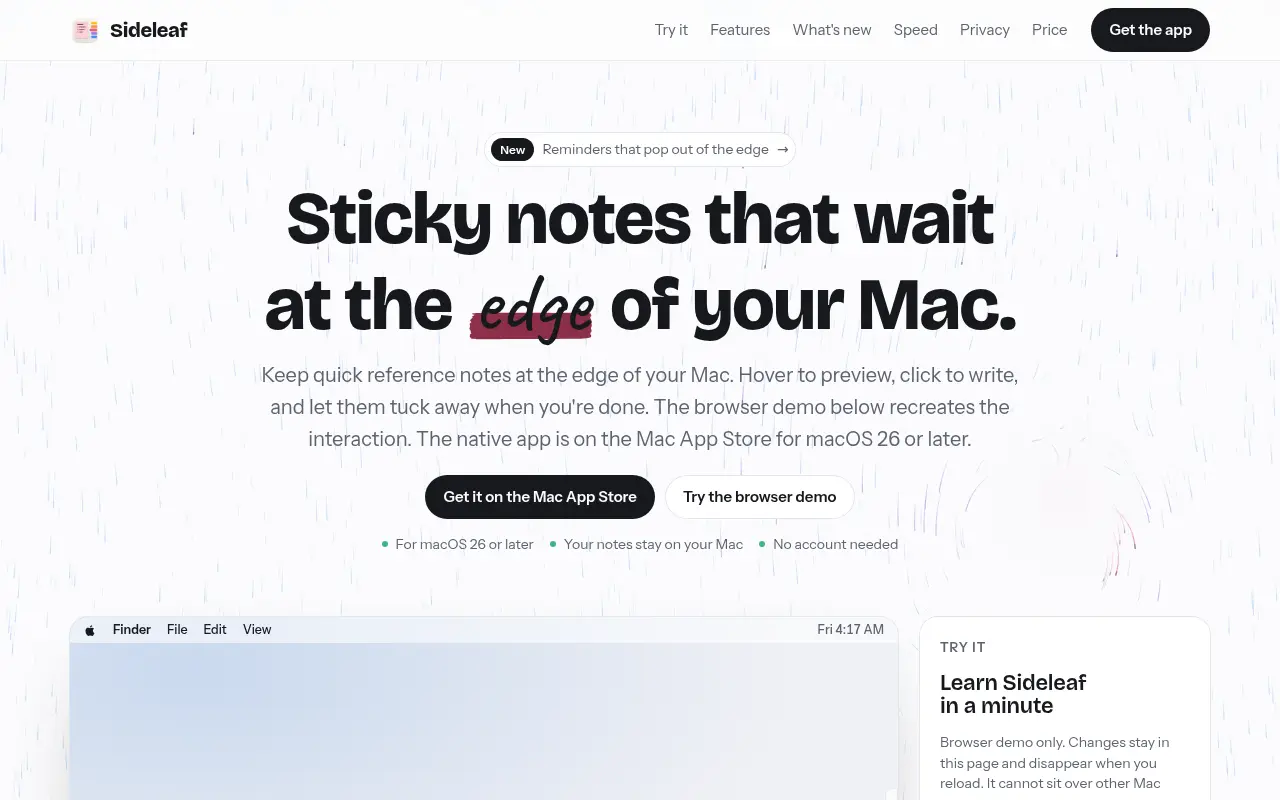
Sticky notes for the Mac that slide out of the screen edge when you need them and stay out of sight when you don't.

Project links
Visit productRequest correctionProject Note
A closer look at Sideleaf
A Mac sticky notes app that tucks notes into a deck at the screen edge, with a seven-day trial and a one-time price.
A note that waits at the edge
You're halfway through an email when a phone number, a tracking code or a half-formed idea turns up. It needs to go somewhere fast, and it needs to still be there in an hour. Open a full notes app and you've lost your place. Leave a sticky on the desktop and it's buried under six windows by lunch.
Sideleaf's answer is to park notes in a deck along one edge of the screen. Pull one out when you need it, and it tucks back when you're done. Reminders slide out of the same edge. Any note can also open in a window of its own, and an All Notes window gathers the lot when you've lost track of which note held what.
The maker is Madanu Akash, an independent developer, and the site describes buying the app as supporting "one person building something small and careful." That fits what's on show. There's even a browser demo that mimics the edge deck, so you can get a feel for it before installing anything.
Small tools inside the notes
Notes aren't only plain text. Type a pair of square brackets and you get a checklist, with Tab for a sub-item. Select text in another app and the Services menu can send it straight to a new note. If you'd like to find notes from Spotlight, there's a setting for that.
On Macs that support Apple Intelligence, three actions appear: tidy up, fix spelling, or turn a note into a checklist. They run on the Mac itself. When you want your notes somewhere else, every one exports as Markdown, plain text or rich text, which is a nice touch in an app this small. The app needs macOS 26 or later.
The deal, and where your notes live
You get seven days with every feature, no card and no account. After that it's a single payment through the Mac App Store, $9.99, with a $6.99 launch price that the site says lasts for the first two weeks. There's no subscription. If you never pay, nothing gets deleted. Your notes turn read-only, and you can still search and export them. That's a kinder ending than most trials offer.
According to the privacy policy, last updated November 8, 2026, the app collects nothing and has no analytics, ads or crash reporting of its own. Notes are stored only on your Mac, encrypted with AES-256, with the key in your keychain. One detail is worth knowing before you flip the Spotlight switch. macOS then keeps its own searchable copy of your notes' text, outside Sideleaf's encryption, though still on your Mac. The App Store label reads Data Not Collected.
If your desktop is a graveyard of half-read stickies, the seven-day trial is an easy way to see whether an edge deck suits how you work.
Project note details
Dates and editorial links
Published
November 12, 2026
Updated
November 12, 2026
Note history
Publication and substantive update dates for this public note.
- Nov 12, 2026
- Project note published.
Want to come back to Sideleaf?
Save it to this browser. Your Saved list marks projects whose note or updates changed since you last looked.
Keep exploring
More like Sideleaf
- AnvilApps · An AI chat and image app for iPhone 15 Pro and newer that runs its models on the phone and works offline.
- PDF Annotation RemoverSaaS · Remove PDF highlights, sticky notes and markup locally in your browser.
- Proven WatersApps · Free Southern California fishing conditions, landing fish counts and open trips in one place, with dated official sources.
- OrzellaApps · An iPhone and iPad recipe book that imports from websites, text, photos and social captions, with meal plans and grocery lists.
- Question Cards: Couples GameApps · A conversation card game for couples and friends on iPhone, with 41 decks of questions and a web version to try.
- DeskBlurApps · A Mac menu-bar app that blurs and dims background windows so the one you're working in stands out.
- Mac NinjaApps · Mac Ninja is a native macOS utility that sleeps idle Chrome tabs and calms background apps to free memory and CPU, without closing your tabs or apps.
- HanashiApps · A paid conversation platform built around shared interests, not lessons.




For the makerAdd the badge to your site
If you made Sideleaf, you can post about this note with a ready-to-edit announcement, or show it on your own site with an optional badge that links back here. Neither changes the note's text or placement. This note's link to the project is marked as user-submitted until the project's site links back, for example with the badge, and is a standard link while it does.

Want to keep this note's facts current yourself? Project Radar Pro lets a verified maker confirm status, pricing and platforms in a labeled block, post one update a month and see the note's activity totals. It never changes the note's text or placement. See what Pro includes
Building something useful?
Submit your project for free. If selected, it gets a Project Note that explains what it does and links to your work. Publication isn't guaranteed.
Submit a project