Pinumo
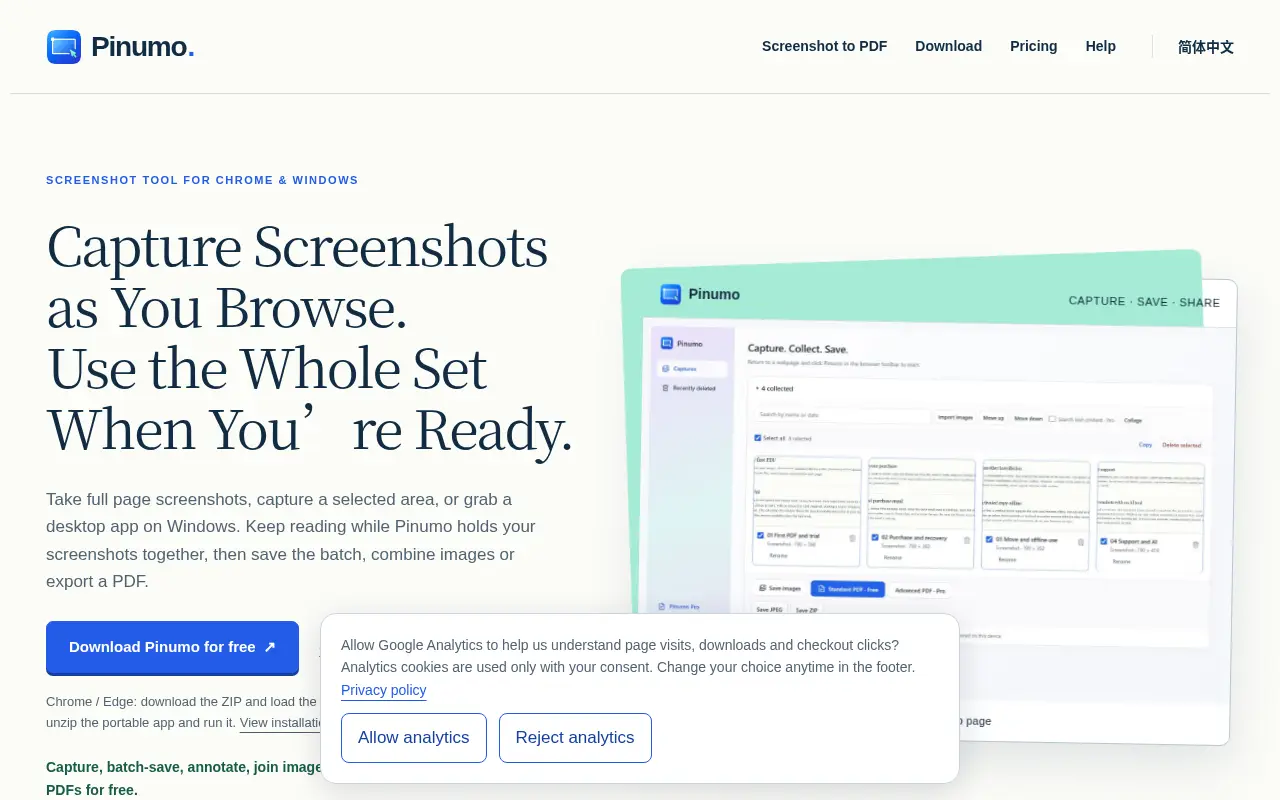
Take screenshots as you browse, then save the batch, join them side by side or turn them into one PDF.
Project links
Visit productRequest correctionProject Note
A closer look at Pinumo
A free screenshot tool for Chrome, Edge and Windows that collects captures into a set you can save, combine or export as a PDF.
Twelve screenshots and nowhere to put them
You're comparing three laptops across five tabs. You grab a screenshot of each spec table, then each price, then the delivery dates. By the end, your downloads folder holds a dozen files named after timestamps, and you still have to line them up before you can decide anything.
Pinumo is built around that pile. Its tagline is "Capture as you go. Use your screenshots together." You keep browsing while each capture joins a collection, and you choose what to do with the set once you have the full picture.
From a pile to something you can send
Capturing covers the usual ground. You can grab the visible page, a selected area or a full webpage, repeat the same region, or set a delay so an open menu makes it into the shot. The Windows app also captures desktop programs.
The interesting part comes after. Select the images you want and save them as separate PNGs or JPEGs, or as a ZIP. Put two side by side to compare details, or stack several vertically to show a sequence in one image. Or export the set as a standard A4 PDF, with long screenshots split across pages automatically. Free exports carry no watermark and have no daily limit, which is generous.
Along the way you can crop, add arrows and numbered notes, and copy text out of an image with OCR that runs locally in Chinese and English.
Free, Pro and a hands-on install
The everyday workflow is free. Pro is US$19, paid once with no automatic renewal, and adds grid collages, image styling, OCR review and search, and more PDF layouts. There's a 14-day Pro trial with no registration or card, and one licence covers four active installations.
Installing the browser version takes a little effort. For Chrome and Edge you download a ZIP and load the extracted folder in Developer mode. On Windows you unzip a portable app and run it. That's more hands-on than a store listing, and it means you're trusting the download directly.
According to the privacy page, updated November 11, 2026, screenshots stay on your device, and the local PDF and OCR features don't upload images. Licence checks use your key and a random installation identifier, checkout runs through Creem, and the website loads Google Analytics only if you agree. An optional translation tool sends just the text you select to a service you set up with your own API key. No person or company is named, only a support email.
If your research usually ends in a folder of orphaned screenshots, the free version is an easy way to keep the next batch together.
For reference
Project facts
The published details and source context, together in one place.
- Stage
- Live but early
Project note details
Dates and editorial links
Published
November 12, 2026
Updated
November 12, 2026
Note history
Publication and substantive update dates for this public note.
- Nov 12, 2026
- Project note published.
Want to come back to Pinumo?
Save it to this browser. Your Saved list marks projects whose note or updates changed since you last looked.
Keep exploring
More like Pinumo
- RiffBrowser Extensions · A free Chrome, Brave and Edge extension that drafts replies and posts in your voice using AI models that run on your own computer.
- ExportFramesCreator Tools · A free browser tool that extracts PNG or JPG frames from a video file without uploading it.
- Save Gmail Emails as PDF in BulkBrowser Extensions · Save Gmail Emails as PDF in Bulk is a Chrome and Edge extension that exports selected emails, a label, a sender or a search result to PDF from Gmail's own toolbar.
- CaporaCreator Tools · Capture a screen, add annotations or click-based zooms, adjust the presentation, and export without rebuilding the demo.
- collage.videoCreator Tools · collage.video combines photos and video clips into one frame, with 35 layouts and your own music, and saves a 1080p video without uploading anything.
- OpenMathpixEducation Tools · Free Windows app that turns formula screenshots into LaTeX locally, with optional PaddleOCR for text and tables.
- BackgroundPXRAI & Skills · A Windows photo tool described as combining AI background removal with manual mask cleanup and batch export.
- Channel FinderBrowser Extensions · Start from one YouTube creator who fits a campaign and get a list of similar channels with recent median views, last upload and a CSV export, in a Chrome side panel.






For the makerAdd the badge to your site
If you made Pinumo, you can post about this note with a ready-to-edit announcement, or show it on your own site with an optional badge that links back here. Neither changes the note's text or placement. This note's link to the project is marked as user-submitted until the project's site links back, for example with the badge, and is a standard link while it does.

Want to keep this note's facts current yourself? Project Radar Pro lets a verified maker confirm status, pricing and platforms in a labeled block, post one update a month and see the note's activity totals. It never changes the note's text or placement. See what Pro includes
Building something useful?
Submit your project for free. If selected, it gets a Project Note that explains what it does and links to your work. Publication isn't guaranteed.
Submit a project