Pixelbead
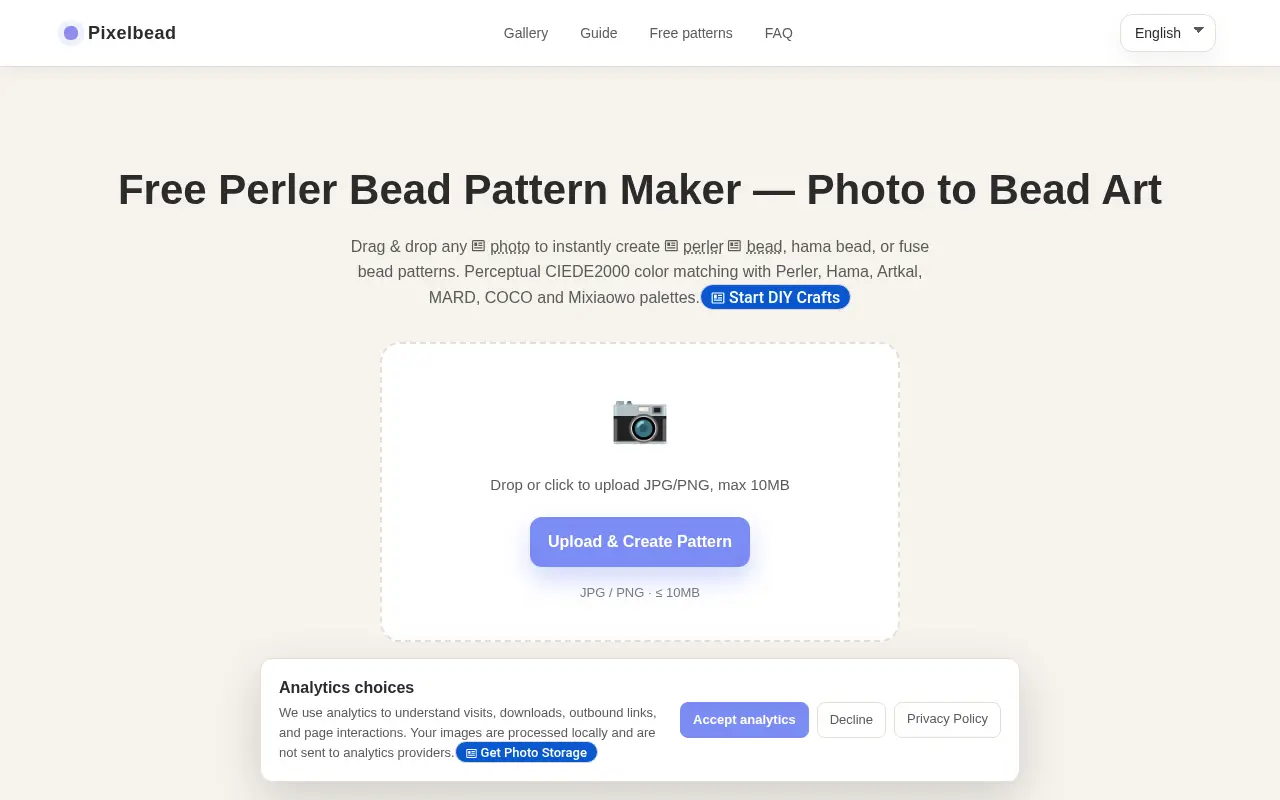
A free bead pattern maker for crafters. Upload an image, set the grid, pick a bead brand's palette and export a PNG or printable PDF. Photos are processed locally, and the site is funded by ads.
 P
Project links
Visit productRequest correctionProject Note
A closer look at Pixelbead
Pixelbead turns a photo into a printable fuse bead pattern matched to Perler, Hama, Artkal or MARD colors, with bead counts by color. It's free and runs in your browser.
From photo to bead grid
Planning a fuse bead design by hand means squinting at a picture and guessing which of a brand's colors comes closest. Pixelbead does that part for you. You upload a photo or illustration, and it builds a grid, matches each cell to a real bead color and counts how many beads of each color the pattern needs.
The matching is brand-aware. You pick the palette you actually own or plan to buy, from Perler, Hama, Artkal or MARD, and the tool keeps to that brand's colors. Grid controls let you set the size before you export, and there's a board size guide to help you choose it.
When the pattern looks right you export a PNG preview, a printable PDF and a materials list.
Patterns to start from
If you'd like something to start with, the site has free patterns of its own, and they show how much sizes vary. An easy sitting orange cat is 24 by 24 cells in 8 colors and takes 576 beads. A smiling sunflower is 40 by 40 in 9 colors, at 996 beads. At the other end, a 120 by 120 anime portrait in the MARD palette uses 30 colors and 14,400 beads, which is a serious project.
The collections lean seasonal and practical. You'll find flowers, cats, small patterns and Christmas designs, along with food, keychains, coasters and the alphabet.
Free, with ads
According to the FAQ, Pixelbead is free and doesn't require sign-up. Uploaded photos aren't saved, because image processing runs locally in the browser and the photos don't leave your device. The privacy policy repeats that, and adds that the site may use analytics and Google AdSense to display ads, and that those services don't receive the images you process.
That policy is brief and carries no date, and no person or company is named as the operator. If you've got a photo you'd love to see in beads, upload it and see what the grid looks like before you buy a single bag.
Project note details
Dates and editorial links
Published
November 10, 2026
Updated
November 12, 2026
Note history
Publication and substantive update dates for this public note.
- Nov 10, 2026
- Project note published.
- Nov 12, 2026
- Project note updated.
Want to come back to Pixelbead?
Save it to this browser. Your Saved list marks projects whose note or updates changed since you last looked.
Keep exploring
More like Pixelbead
- DepthLogoCreator Tools · DepthLogo makes a logo from a brand name in one of 14 styles, or from free-to-edit templates.
- PixelArtHiveCreator Tools · A free browser converter that turns an image into pixel art at a set width, with 2 to 64 colors, retro palettes and dithering.
- ExportFramesCreator Tools · A free browser tool that extracts PNG or JPG frames from a video file without uploading it.
- InstaGridMakerCreator Tools · InstaGridMaker splits one photo into numbered tiles for an Instagram profile grid, sized for the 3:4 layout, with the cutting done in your browser.
- ArtluniCreator Tools · Artluni is an AI critique tool for photographs, paintings and drawings that returns strengths, prioritised fixes and an exercise, pinned to the image.
- StitchidyCreator Tools · Stitchidy is a Windows desktop organizer for machine-embroidery design collections, with grouping by design, hoop fit and optional AI labelling for search.
- CameraWatermarkCreator Tools · CameraWatermark adds a gallery-style caption to a photo with the camera, lens and exposure settings read from its EXIF data.
- AudioEditDeskCreator Tools · AudioEditDesk is a free browser audio editor for trimming, converting and adjusting one file at a time, with processing done on your own device.




For the makerAdd the badge to your site
If you made Pixelbead, you can post about this note with a ready-to-edit announcement, or show it on your own site with an optional badge that links back here. Neither has any effect on the note or its placement.

Want to keep this note's facts current yourself? Project Radar Pro lets a verified maker confirm status, pricing and platforms in a labeled block, post one update a month and see the note's activity totals. It never changes the note's text or placement. See what Pro includes
Building something useful?
Submit your project for free. If selected, it gets a Project Note that explains what it does and links to your work. Publication isn't guaranteed.
Submit a project