Artluni
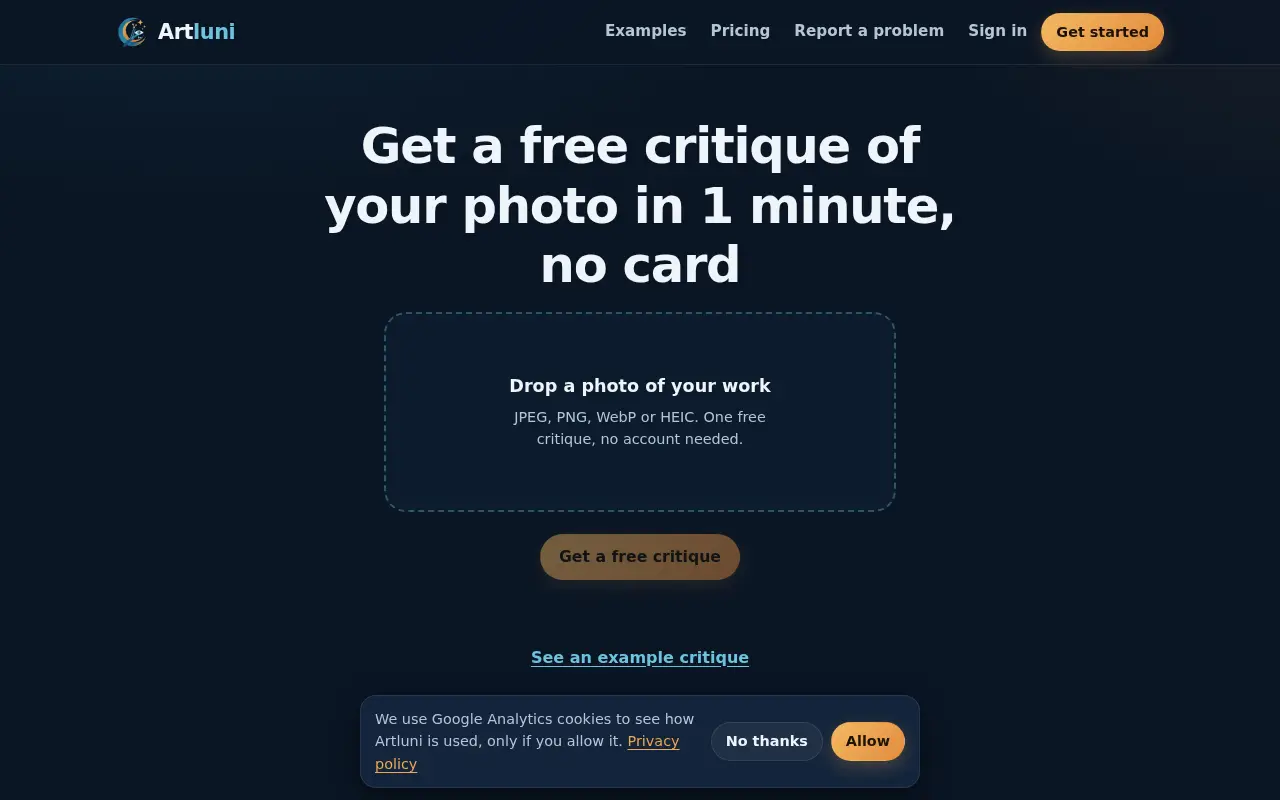
Artluni gives an AI critique of a photo, painting or drawing, with each point pinned to a spot on the image. Three critiques are free with no card.

Project links
Visit productRequest correctionProject Note
A closer look at Artluni
Artluni is an AI critique tool for photographs, paintings and drawings that returns strengths, prioritised fixes and an exercise, pinned to the image.
Feedback you can point at
You've finished a painting or a photo and something's off, but you can't say what. Friends tell you it looks great, which is kind and not much help.
Artluni's AI critiques come attached to the image. Every point is tied to a spot on your work, and you tap it to see exactly where it applies. The critique lists strengths, prioritised fixes and an exercise, and the site puts the wait at about 15 seconds.
From upload to critique
The flow is short. You photograph or upload the work, crop and straighten it, add a question and pick what to focus on. You choose a tone, gentle, balanced or blunt, and a level from beginner to pro. For photographs it gives advice on your real camera settings, and RAW files are accepted.
You can ask follow-up questions when a fix isn't clear, and upload a new version to be told what improved. Artluni also says an independent model quality-checks each critique, and one that falls short isn't counted against you.
What to know before you upload
Three critiques are free with no card, though you do create an account and confirm your email. After that, the pricing page starts at £5, and a pack of 30 critiques costs £12, which works out at 40p each. Credits don't expire and there's no need to subscribe. Each critique includes up to three follow-up questions.
According to the privacy policy, last updated October 24, 2026, Artluni is made and run by Tenkin Studios, a UK-based product studio, which is the data controller. When you ask for a critique, your image and text are sent to third-party AI providers through OpenRouter, and the policy doesn't name those providers individually. By the same policy, Artluni doesn't keep the full-size image and stores a small thumbnail for your history. If you try a full critique without signing in, the thumbnail and critique text are kept for up to 7 days.
If you're learning to paint, draw or shoot and want a second pair of eyes, the three free critiques are an easy way to find out if it helps.
For reference
Project facts
The published details and source context, together in one place.
- Stage
- Live but early
Project note details
Dates and editorial links
Published
November 11, 2026
Updated
November 12, 2026
Note history
Publication and substantive update dates for this public note.
- Nov 11, 2026
- Project note published.
- Nov 12, 2026
- Project note updated.
Want to come back to Artluni?
Save it to this browser. Your Saved list marks projects whose note or updates changed since you last looked.
Keep exploring
More like Artluni
- StitchidyCreator Tools · Stitchidy is a Windows desktop organizer for machine-embroidery design collections, with grouping by design, hoop fit and optional AI labelling for search.
- pic2svgCreator Tools · An image-to-SVG converter for logos, icons and drawings.
- PhotoRealifyAI & Skills · PhotoRealify takes an AI-generated image and re-renders it to look like a photograph, rebuilding skin, light and texture and enlarging it up to 4x.
- ExportFramesCreator Tools · A free browser tool that extracts PNG or JPG frames from a video file without uploading it.
- InstaGridMakerCreator Tools · InstaGridMaker splits one photo into numbered tiles for an Instagram profile grid, sized for the 3:4 layout, with the cutting done in your browser.
- CameraWatermarkCreator Tools · CameraWatermark adds a gallery-style caption to a photo with the camera, lens and exposure settings read from its EXIF data.
- AudioEditDeskCreator Tools · AudioEditDesk is a free browser audio editor for trimming, converting and adjusting one file at a time, with processing done on your own device.
- RapLyricsCreator Tools · RapLyrics is a free, no-sign-up rap writing page that produces editable 4, 8 or 16-bar starter verses, finds rhymes and exports your lyrics as text.





For the makerAdd the badge to your site
If you made Artluni, you can post about this note with a ready-to-edit announcement, or show it on your own site with an optional badge that links back here. Neither changes the note's text or placement. This note's link to the project is marked as user-submitted until the project's site links back, for example with the badge, and is a standard link while it does.

Want to keep this note's facts current yourself? Project Radar Pro lets a verified maker confirm status, pricing and platforms in a labeled block, post one update a month and see the note's activity totals. It never changes the note's text or placement. See what Pro includes
Building something useful?
Submit your project for free. If selected, it gets a Project Note that explains what it does and links to your work. Publication isn't guaranteed.
Submit a project