border.video
A free border and frame maker for video and photos, with more than 400 looks in 25 categories. Changing the shape pads the picture, so nothing is cut off. Collages take two to six clips.

Project links
Visit productRequest correctionProject Note
A closer look at border.video
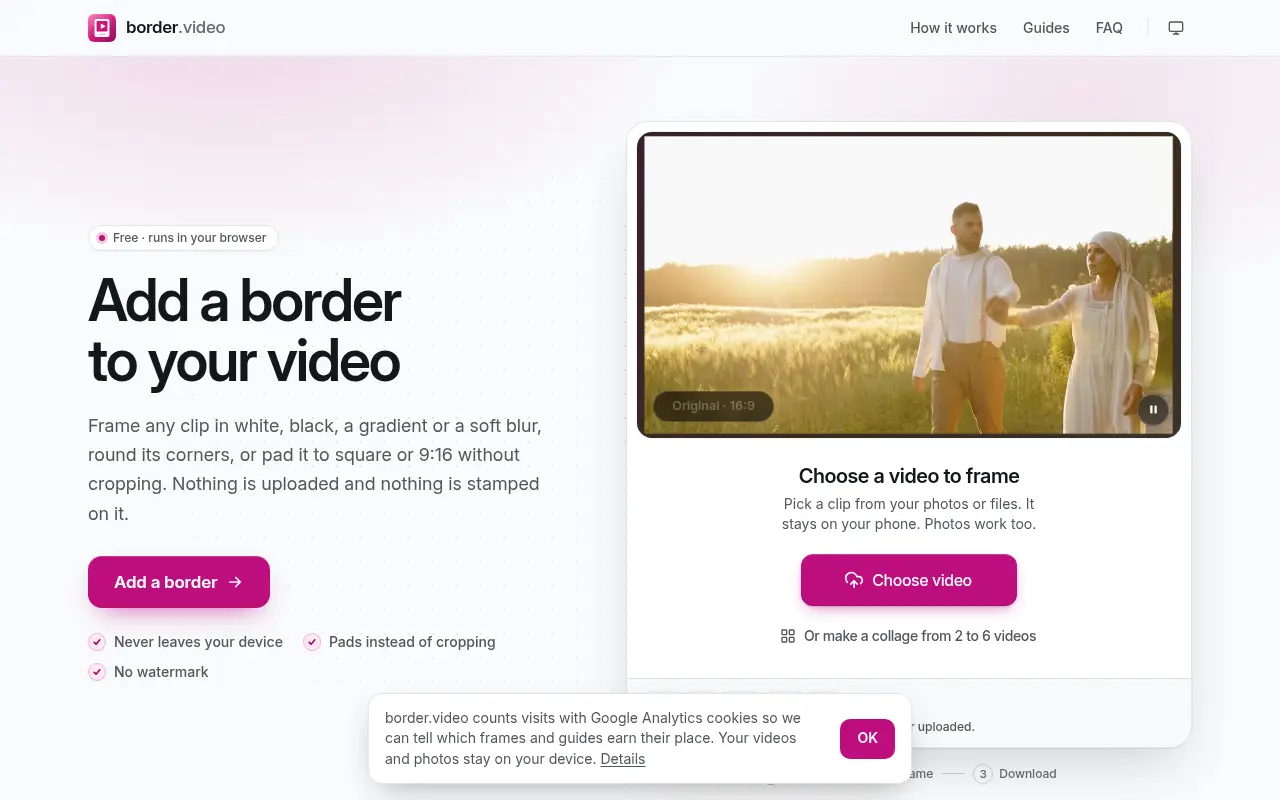
border.video puts a border or frame around a video and can reshape it for any platform by padding instead of cropping. It runs in your browser, free, with no watermark.
Keeping the whole picture in the shot
Post a widescreen clip to a vertical feed and the app usually crops the sides off. border.video goes the other way. When you change the shape to square, 4:5, 9:16 or 16:9, the whole picture stays in view and the space around it becomes border. You fill that space with a colour, a gradient or a blurred copy of the video itself. There are seven ratios in all, from 9:16 to 21:9.
That's the problem the team behind it set out to fix. They say posting a landscape clip to a vertical feed usually crops people out, and that the apps which add frames tend to stamp a watermark or need an upload. So they built this to frame and reshape a video for any platform in the browser, free. They're also upfront about what it isn't: it frames and reshapes clips, and it's not a full editor.
From a plain white border to 400 looks
A clip dropped on the page appears inside a clean white border straight away, and you drag Border width until it looks right. That's only the starting point. There are more than 400 looks in 25 categories. Some are simple, like solid colours, gradients and duotone. Others have more character, such as instant photos, film strips, neon and picture frames. There are generic phone, laptop and TV mockups, and seasonal sets for holidays such as Christmas, Diwali and Eid, plus weddings and birthdays. You search them by name, colour or occasion, and in a nice touch each is previewed on a still from your own video.
A caption can sit in the bottom border, with your choice of font, size and colour.
Collages get the same treatment. Press Make a collage, or drop two or more videos at once, to place two to six clips in one frame with the same border round the outside, in a layout you choose. Photos open in the same editor, and a JPEG, PNG or WebP picture gets every look, shape and border setting a video does.
A few things to know first
One trade-off is stated plainly in the FAQ. The border is drawn into each frame, so the video is re-encoded. With the Original shape the picture keeps its own resolution and the canvas grows to hold the border. Longer or larger files take your device more time.
There's no charge, no sign-up and no mark added to your video. According to the privacy page, updated November 6, 2026, your videos are never sent to the site, and the border, frame, caption or collage is drawn by your own browser. No person or company is named as the operator. If you post the same clip to several platforms and hate losing the edges, this one is worth a bookmark.
In their words
From the team behind border.video
“Posting a landscape clip to a vertical feed usually crops people out, and the apps that add frames tend to stamp a watermark or need an upload.”
“It frames and reshapes clips but is not a full editor.”
For reference
Project facts
The published details and source context, together in one place.
- Stage
- Launched
Project note details
Dates and editorial links
Published
November 10, 2026
Updated
November 12, 2026
Note history
Publication and substantive update dates for this public note.
- Nov 10, 2026
- Project note published.
- Nov 12, 2026
- Project note updated.
Want to come back to border.video?
Save it to this browser. Your Saved list marks projects whose note or updates changed since you last looked.
Keep exploring
More like border.video
- darken.videoCreator Tools · darken.video turns down a video or photo that came out too bright, pulling highlights back before lowering exposure.
- collage.videoCreator Tools · collage.video combines photos and video clips into one frame, with 35 layouts and your own music, and saves a 1080p video without uploading anything.
- ExportFramesCreator Tools · A free browser tool that extracts PNG or JPG frames from a video file without uploading it.
- InstaGridMakerCreator Tools · InstaGridMaker splits one photo into numbered tiles for an Instagram profile grid, sized for the 3:4 layout, with the cutting done in your browser.
- ArtluniCreator Tools · Artluni is an AI critique tool for photographs, paintings and drawings that returns strengths, prioritised fixes and an exercise, pinned to the image.
- StitchidyCreator Tools · Stitchidy is a Windows desktop organizer for machine-embroidery design collections, with grouping by design, hoop fit and optional AI labelling for search.
- CameraWatermarkCreator Tools · CameraWatermark adds a gallery-style caption to a photo with the camera, lens and exposure settings read from its EXIF data.
- AudioEditDeskCreator Tools · AudioEditDesk is a free browser audio editor for trimming, converting and adjusting one file at a time, with processing done on your own device.






For the makerAdd the badge to your site
If you made border.video, you can post about this note with a ready-to-edit announcement, or show it on your own site with an optional badge that links back here. Neither has any effect on the note or its placement.

Want to keep this note's facts current yourself? Project Radar Pro lets a verified maker confirm status, pricing and platforms in a labeled block, post one update a month and see the note's activity totals. It never changes the note's text or placement. See what Pro includes
Building something useful?
Submit your project for free. If selected, it gets a Project Note that explains what it does and links to your work. Publication isn't guaranteed.
Submit a project